

AI has a habit of rewriting rules we thought were set in stone. Take Google, for example. For decades, searching the web meant typing a query and sifting through a sea of blue links. Today, Google takes a crack at the answer itself, serving it up directly so you do not even have to leave the page.
Now, Salesforce is bringing that exact flavour of effortless, zero-friction search to the enterprise with Agentforce Coworker (formerly known as Ask Agentforce).
But to understand why this is such a massive leap forward, we have to look at how we got here.
The Expectation vs Reality Gap
When Salesforce introduced Agentforce at Dreamforce in 2024, CEO Marc Benioff pulled no punches, hailing it as “What AI Was Meant to Be.”
Yet, for the average user accustomed to the frictionless world of ChatGPT (where you simply sign in, ask a question, and get an answer), the enterprise reality was a bit of a culture shock.
Agentforce is undeniably powerful, but it isn’t a simple plug-and-play solution. Getting it right requires a solid grasp of the backend, prompts, and admin settings. The feedback I have had from customers expecting Agentforce to behave like ChatGPT or Claude is that they asked it a question they knew it had data on but did not answer. This was due to the agent not being given access to the data or directed to it.
This strict boundary is actually the core strength of the Agentforce platform. Unlike public tools that may guess or make up answers, Coworker respects your security rules, helping users feel secure and in control. It only does what it is allowed to do, ensuring trust and confidence in your data handling.
Slackbot changed the rules
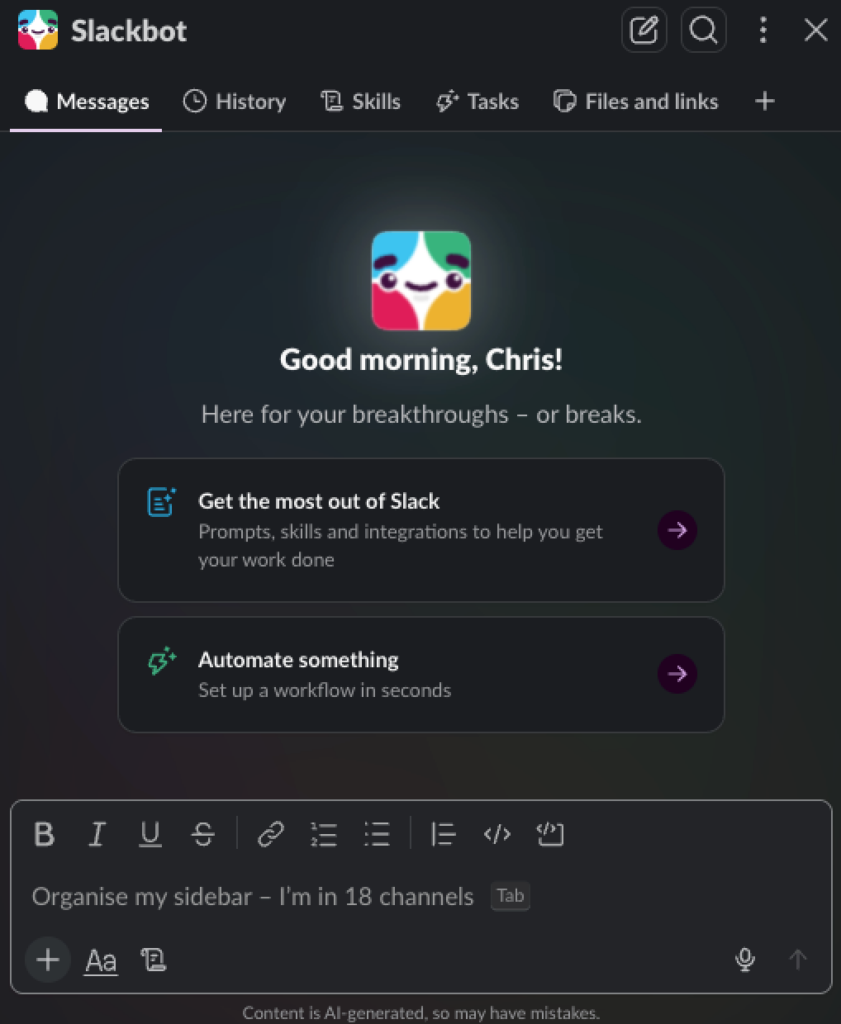
The real game-changer arrived in January 2026, when Salesforce announced its AI-powered version of Slackbot.
Suddenly, the friction vanished. There was no tedious configuration or administrative setup: it was pure plug-and-play. It delivered amazing results by autonomously searching Slack and Salesforce for the additional context needed to answer user questions.
Rather than forcing users to dig through endless channels, the updated Slackbot allowed users to:
- Find information in seconds: Search across Slack messages, files, channels, and people. It could read threads, canvases, PDFs, or other shared documents and effortlessly look up user profiles and user groups.
- Stay on top of daily updates: Summarise unread mentions and notifications, quickly catch up on channel activity, and set one-off reminders so nothing slips through the cracks.
- Automate scheduled tasks: Set up recurring workflows (such as daily digests, weekly summaries, or regular team check-ins) and manage them directly inside chat by pausing, restarting, or deleting them as needed.
- Create and edit content: Draft and construct new Slack canvases, or get hands-on assistance writing team messages, project documents, and summaries.
- Work natively with Salesforce: Query records, read complex reports, look up recent team activities, and attach relevant files directly to CRM records without leaving the chat window.
- Synthesise web content: Read, understand, and extract key insights from shared web pages instantly.
It was the breath of fresh air enterprise AI desperately needed.
Enter Agentforce Coworker
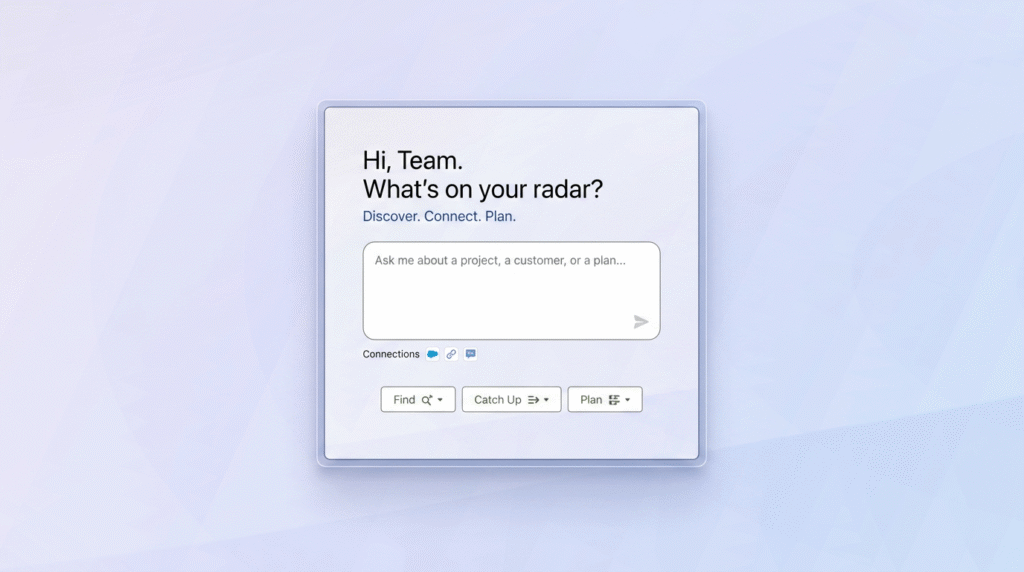
Agentforce Coworker feels like the natural Salesforce counterpart to that upgraded Slackbot. Embedded directly in your global search bar, it autonomously searches Salesforce, Slack, and Data 360 in the background, giving users confidence in its reliability and ease of use.
But here is the best part: you do not have to provide it with context. You do not need to explain which objects to look at or point it in the right direction. Coworker does its own digital legwork:
- Cross-Object and DMO Research: Underpinned by Data 360, it automatically searches and indexes across standard CRM objects, custom objects, and Data Model Objects (DMOs) from over 300 connected enterprise sources.
- Smart Identity Resolution: It automatically maps your identity across platforms. Whether you are searching Google Drive, Slack, or Salesforce CRM, it understands who you are and bridges the data gaps in the background.
- Self-Correcting Logic: It actually shows you what it is trying to do. It is not uncommon to see Coworker dive into a custom object, realise during its analysis that it is on the wrong track, and pivot to find the correct data source entirely on its own.
Working Hand in Hand with Coworker
Imagine having a personal assistant who has read every email, Slack thread, contract clause, and database entry in your company. This is exactly what Coworker brings to your daily routine. Once Coworker locates the information you need, it does not just dump raw data on your desk and walk away; it summarises its findings and presents them in an easy-to-read format, linking back to its sources.
During an early pilot of the tool at Nebula, team members reported massive time savings just by doing the same tasks they were going to do, but asking Coworker first.
- Building account reviews: Instead of spending hours digging through months of history, Nebula uses Coworker to prepare comprehensive account briefs instantly, synthesising previous project work, communication history, and credit usage.
- Proactively preventing credit loss: Acting like an attentive business partner, Coworker scans the system to identify customers at risk of losing their credits due to under-utilisation, allowing the team to intervene before credits expire.
- Interpreting complex agreements: Rather than manually reviewing lengthy legal documents, team members ask Coworker to read customer contracts and answer highly specific questions about active clause terms in seconds.
- Onboarding newer team members: Coworker serves as a self-service hub for new joiners. Instead of hunting down colleagues for specific reports, new starters can ask Coworker directly: it provides the exact answers and links them straight to the source reports.
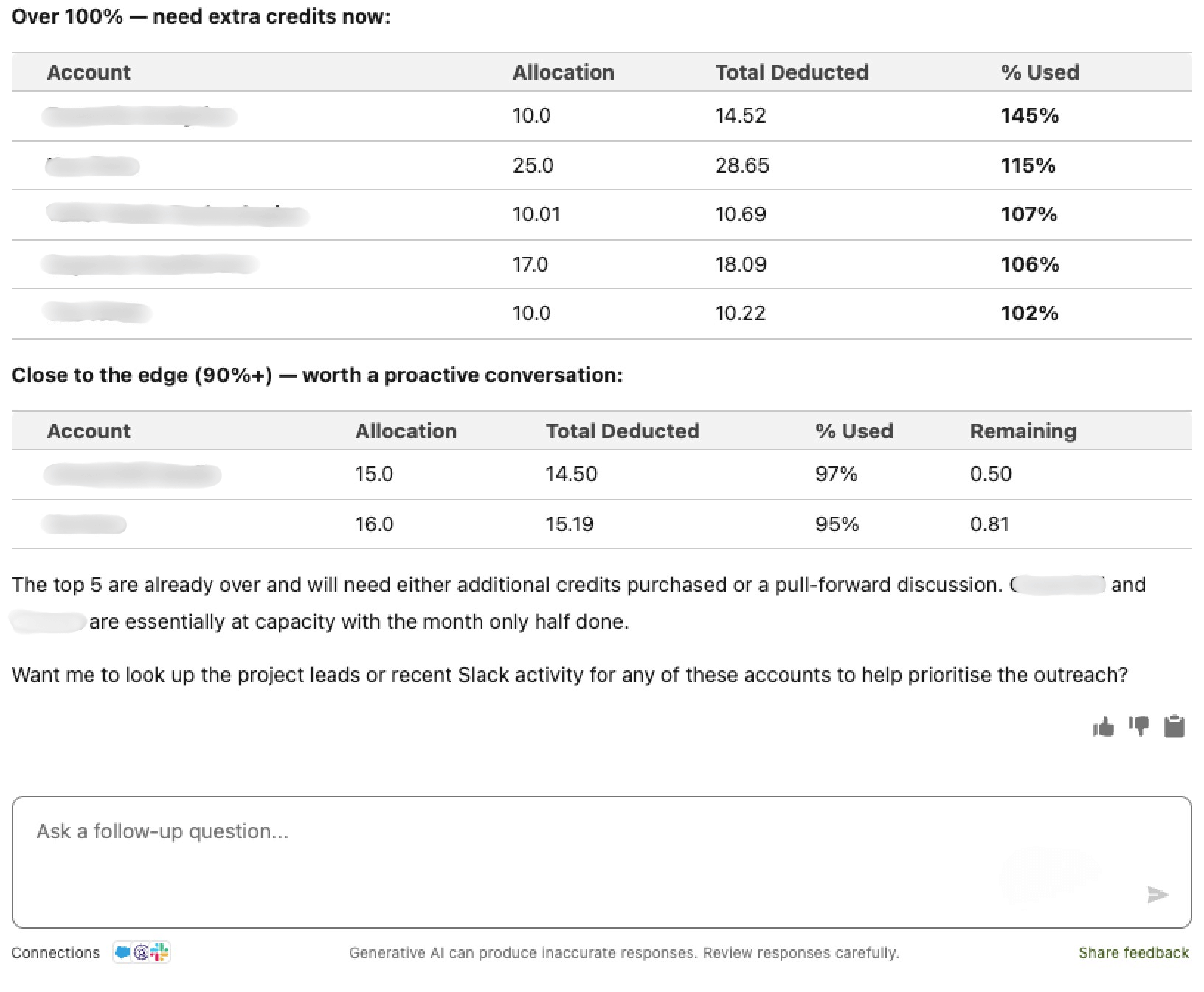
Those piloting the tool found that Coworker could understand our comprehensive Salesforce org without the lengthy setup times other tools required, and it fit within our current licensing.
Trust and Governance from Day One
Agentforce has always led with a security-first approach, and Coworker is no exception, as it works strictly within your existing security settings. Because it is built natively on the Salesforce Platform, Agentforce Coworker inherits the exact permissions, sharing rules, and governance controls your organisation already relies on.
This means security is deeply integrated at every level:
- Built-in Field and Record-Level Security: Coworker fully respects your existing setup. If a user does not have permission to view a specific record or particular field in Salesforce, Coworker will not reveal that information.
- Cross-Platform Identity Resolution: When turned on, Coworker automatically deploys an Identity Resolution ruleset. This ruleset maps your users across connected systems (like Slack, CRM, and Google Drive) using email addresses or single sign-on federated IDs. It ensures search results strictly respect user-level permissions on every source.
- Slack Privacy Guardrails: By linking your Slack account directly to your Salesforce user profile, Coworker ensures it only scours conversations and channels you personally have access to. Private chats stay private, and restricted business conversations are never exposed to unauthorised users.
- Enterprise Data Protection: Coworker secures external sources by applying Data 360 governance policies. It respects source-level permissions so that users only ever see the data they are authorised to access.
The Beta Caveats
As exciting as Agentforce Coworker is, it is important to remember that it is currently in beta. Because it is an early-stage service, there are several strict guardrails to keep in mind.
Crucially, enabling Coworker requires you to agree to Salesforce’s specific Beta Services Terms (or a Unified Beta Agreement). Because these terms carry different legal liabilities, potential data limitations, and a lack of GA refund protections, you must ensure that your business and legal stakeholders fully understand and sign off on them before any admin enables the feature.
There’s more to consider than just the legal fine print; you’ll need to watch for a few technical hurdles, too. While standard CRM and Slack queries are baked into your seat-based licenses, indexing custom Data 360 spaces will start to eat into your Flex Credits. You’ll want to keep an eye on usage caps, such as the 180-query-per-minute limit for Slack.
The full tool is not here yet; some features mentioned in Salesforce documentation or marketing, such as external data sources like Google Drive and SharePoint, are currently available only to pilot users. You can still sync this data into Data 360 and use that as a data source. However, I expect general availability will be here soon, so you are better off waiting until it becomes GA and taking advantage of the native features. There is still a lot to explore just using your Salesforce, Slack and Data 360 data.
Ready to Get Started
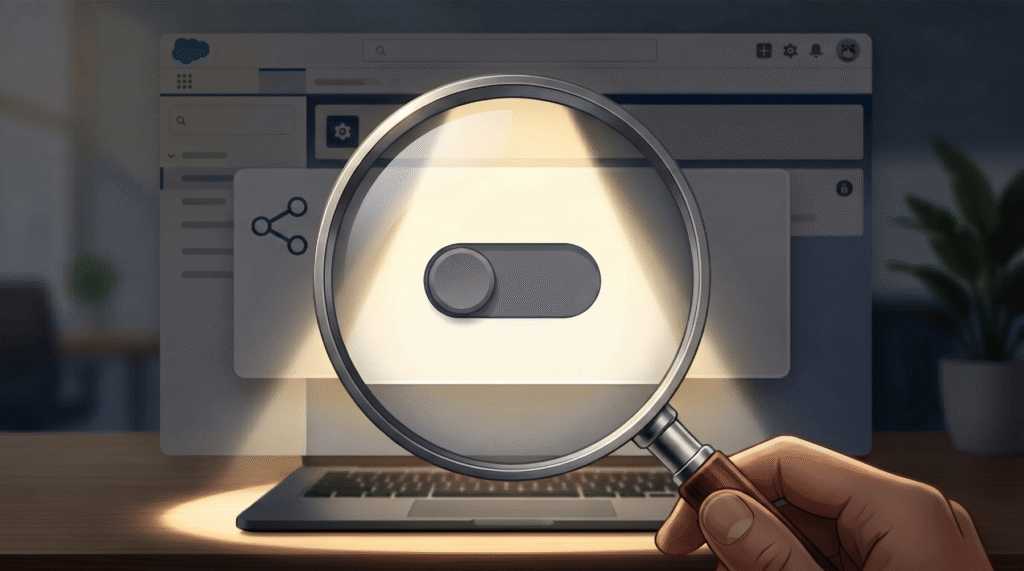
Enabling Agentforce Coworker is incredibly straightforward. Admins just need to toggle it on in Setup, link Slack and Data 360, check sharing and then assign permissions.
If you want to explore how to prepare your Salesforce org for the era of autonomous agents, we recommend taking our AI Assessment to evaluate your technical readiness. Alternatively, you can get in touch with us directly to talk through your company’s broader AI aspirations.