

Building pages that truly perform in Account Engagement isn’t just about clicking buttons; it’s about strategy, technical finesse, and empathy for the user. Here’s my in-depth take on the best practices to turn your Account Engagement landing pages into conversion powerhouses.
Before we get further into it, I’ll preface this to say that my guide is tailored more to marketers that are looking for conversions as the highest performing metric. There are absolutely use cases to build more fleshed out landing pages, even microsites. But we are focusing on landing pages for conversion.
1. Design & User Experience (UX):
A high converting landing page is simple because it’s focused. Your goal is to make completing that form easy for visitors to submit.
- Focus, Focus, Focus: Get rid of the noise. That means ditching global navigation, excess links, and anything that draws the eye away from the core value proposition and the form. A focused page has one primary Call-to-Action (CTA).
- Above the Fold: Your main promise, compelling headline, and the form should be immediately visible. If users have to scroll far to figure out what you want them to do, you’ve already lost some visitors.
- Messaging: Ensure absolute consistency. If your ad promised a “Free 2026 Trend Report,” your landing page headline must match that exactly. Any disconnect breaks trust instantly and spikes bounce rates.
- Mobile-First: Make sure your Account Engagement templates look flawless on every screen size.
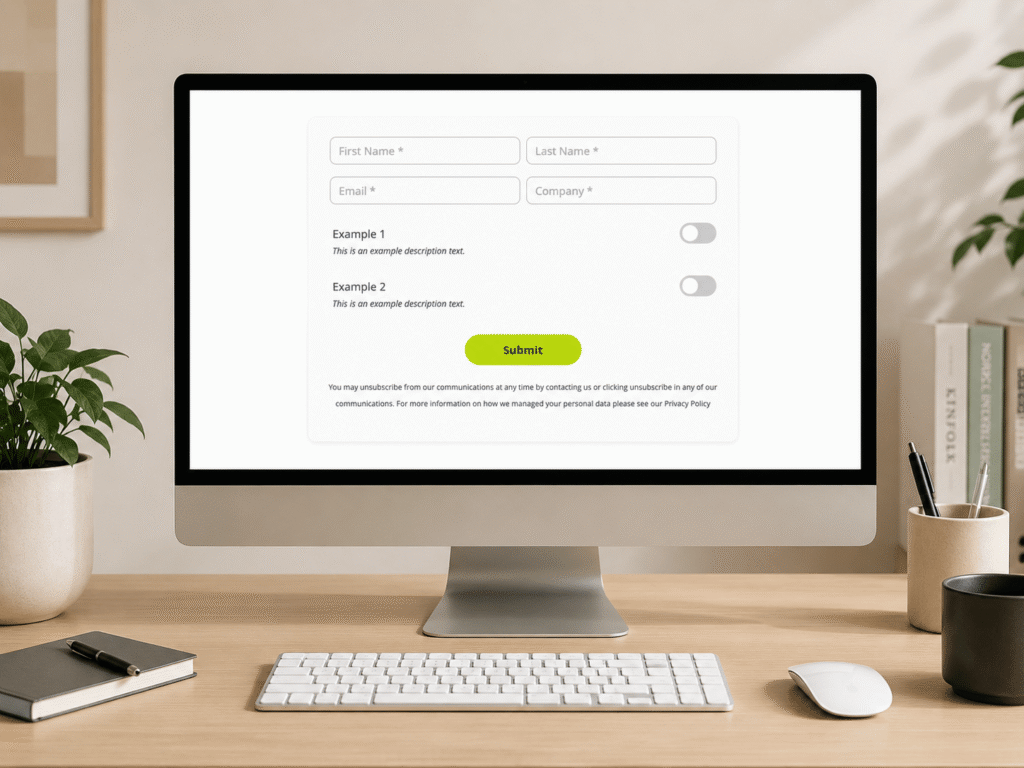
- The Short Form Advantage: Be strict with field count. Only ask for the essential data needed to qualify the lead. Leverage Progressive Profiling to gather deeper data points on subsequent visits, making the first interaction super fast and easy for the prospect.
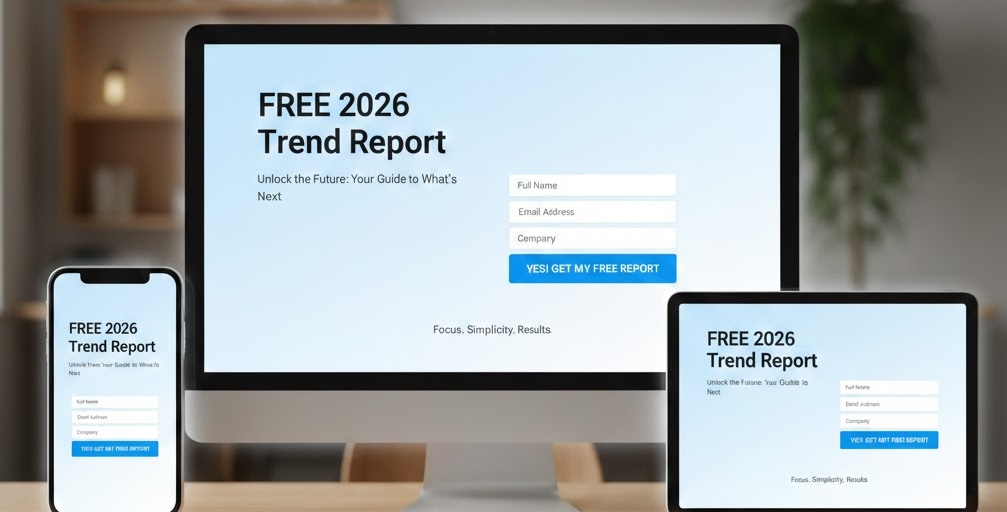
If you’d like to explore Design and UX in more detail, check out our UX blog series dedicated to just that.
2. Technical Foundation:
Tracker Domains
Your Tracker Domain is the brand identifier for your links (e.g., go.yourcompany.com). This isn’t optional; it’s essential.
- Branding and Credibility: Using a custom domain, instead of the generic go.pardot.com, instantly makes your landing pages look more professional and trustworthy.
- Security is a must: Make sure HTTPS is enabled for your tracker domains. If you’re not serving secure content, modern browsers will warn your prospects, and that immediately kills conversion.
Forms and Landing Pages
Remember, in Account Engagement, these two assets work like a team:
- The Form is Independent: You build the Form asset separately, then embed it into the Landing Page.
- Where to Check Metrics: When the form lives on your Account Engagement Landing Page, all the performance data (views, submissions, conversions) is tracked and reported on the Landing Page.
- Smart Automation with Conditionals: Use Conditional Completion Actions on your forms. This allows you to say, “If the prospect selects ‘Job Title = CEO’, then immediately tag them as ‘Executive Alert’ and notify sales.” It’s hyper-relevant automation from the moment of conversion.
3. The Power of Completion Actions
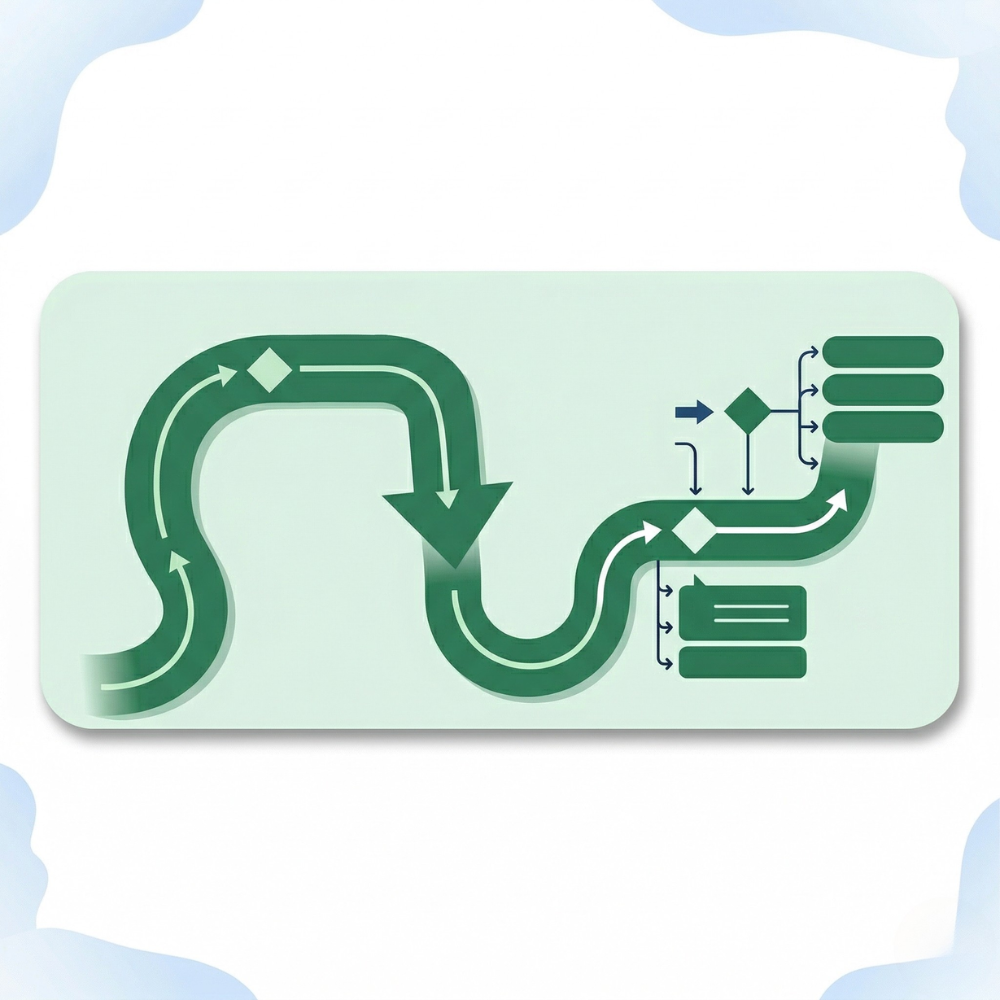
Completion actions are the instant automation that triggers the moment a prospect hits “Submit.” This is where the marketing automation magic starts.
My Completion Action Checklist:
-
- Attribution First: Always use a completion action to connect the prospect to the relevant Salesforce/Account Engagement Campaign, ensuring the status is marked “Responded” (or equivalent to your campaign) so you can accurately report on ROI later.
- Segmentation is Key: If your landing page aids with prospect segmentation then add them to the correct List as a completion action. Better yet use conditional completion actions to add prospects to different lists relevant to the form field values they submitted.
- Score/Grade Adjustment: If the offer is high-value (like a demo request), boost the prospect’s Score (interest) accordingly. If they match your ideal customer profile, confirm the Grade (fit).
- Instant Gratification: Set up an autoresponder email to deliver the content immediately. A timely delivery confirms the conversion worked and delights the user.
- Setting the Stage for Nurture: The segmentation applied by the completion actions is what you’ll use in your Engagement Studio programs or Automation Rules to launch the next phase of the nurture journey.
- Fast track high intent: If there are specific data points your company listens out for, then fast track prospects who meet that criteria and assign them to your sales teams. Again, completion actions and/ or conditional completion actions can assist you with this.
4. Customisation and Workarounds
Sometimes the standard builder isn’t enough, and that’s where a consultant’s knowledge of the system is invaluable.
Injecting Custom Code
- Layout Templates are Your Canvas: For deep, on-brand visual control, customise the Landing Page Layout Template. This is the place to inject your unique CSS to match branding or add custom HTML wrappers. Even going further to incorporate simple to complex javascript solutions to make things interactive or pop more. All of this can be added into your layout template. Just be mindful that not every flashy feature translates well when editing your landing pages in the builder.
- Advanced Tracking: Use layout templates to paste external scripts like Google Analytics tracking code.
Final Thoughts: Iterate and Optimise
Landing page success in Account Engagement is a continuous optimisation loop. By focusing on a solid technical base, leveraging instant automation via completion actions, and always designing for a frictionless user experience, you’ll ensure these pages are built for success.