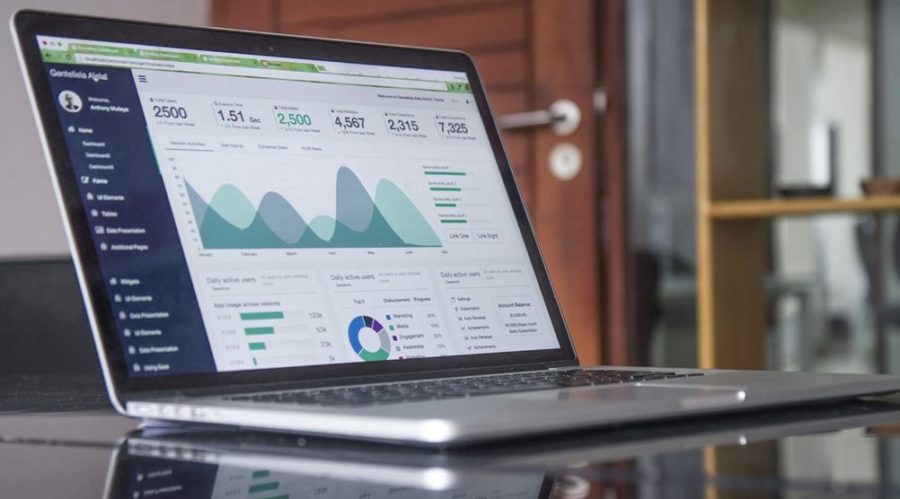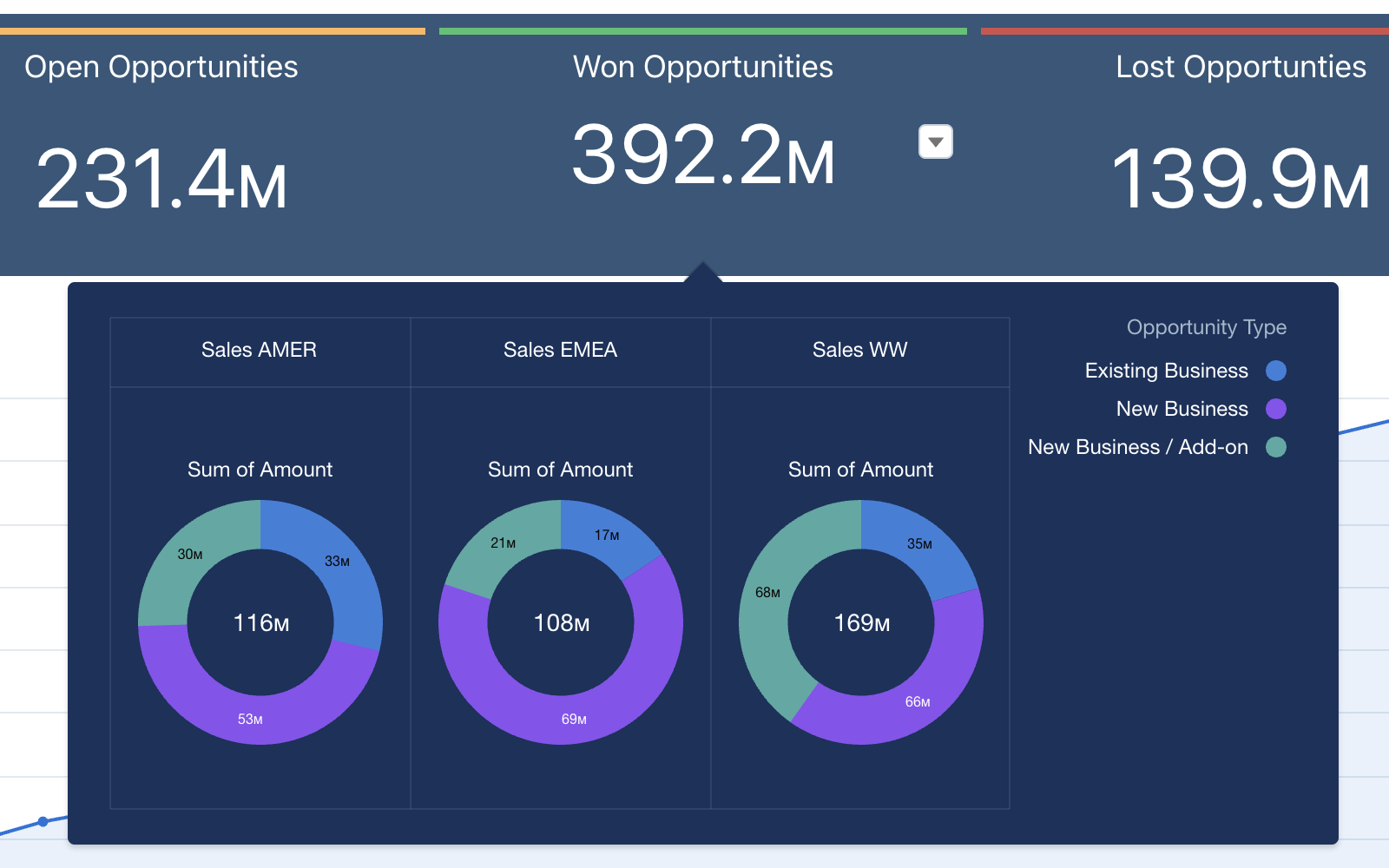



The Spring ’26 release is here, and it represents a major leap forward for the “Agentic Enterprise.” This release moves beyond simple data visualisation into a world where AI agents work alongside your team to ensure data accuracy and speed up insights. At Nebula, we’ve analysed the latest updates to see how they will help our clients bridge the gap between technical complexity and true business value. Here are six analytics highlights we’re particularly excited about.
1. Speed Up Queries with Data 360 SQL
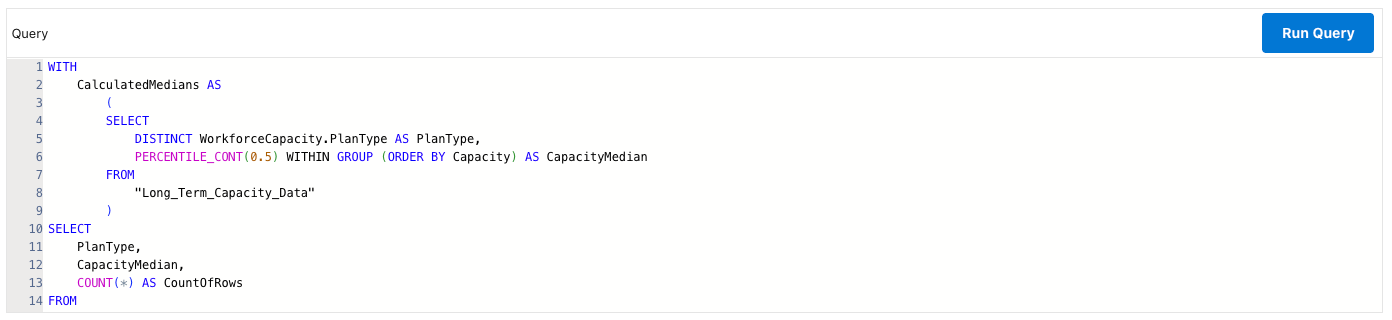
For many organisations, the sheer volume of data can often lead to performance bottlenecks. In this release, Salesforce is including Data 360 SQL within the code builder of CRM Analytics to tackle this head-on. We’ve seen how this enhancement allows teams to speed up query responses while simultaneously strengthening security. By using Data 360 SQL, you can ensure that your data handling remains efficient, even as your data ecosystem grows more complex. A bonus feature of Data 360 SQL is the ability to include common table expressions (CTEs) in your queries, through the addition of the ‘WITH’ clause.
2. Refining AI Trust with Q&A Calibration
AI accuracy is only as good as the data it’s grounded in. We are particularly excited about Q&A Calibration, a tool that allows us to improve an agent’s accuracy on analytics questions. In the Concierge Testing Center, we can now test agent responses to specific questions, like “What’s the Average Deal Size this Quarter?”. If a response is slightly off for example, if it should have filtered for “closed won” opportunities instead of all opportunities, we can classify the accuracy and apply guided suggestions for more accurate future responses.
3. Operational Efficiency with Bulk Actions
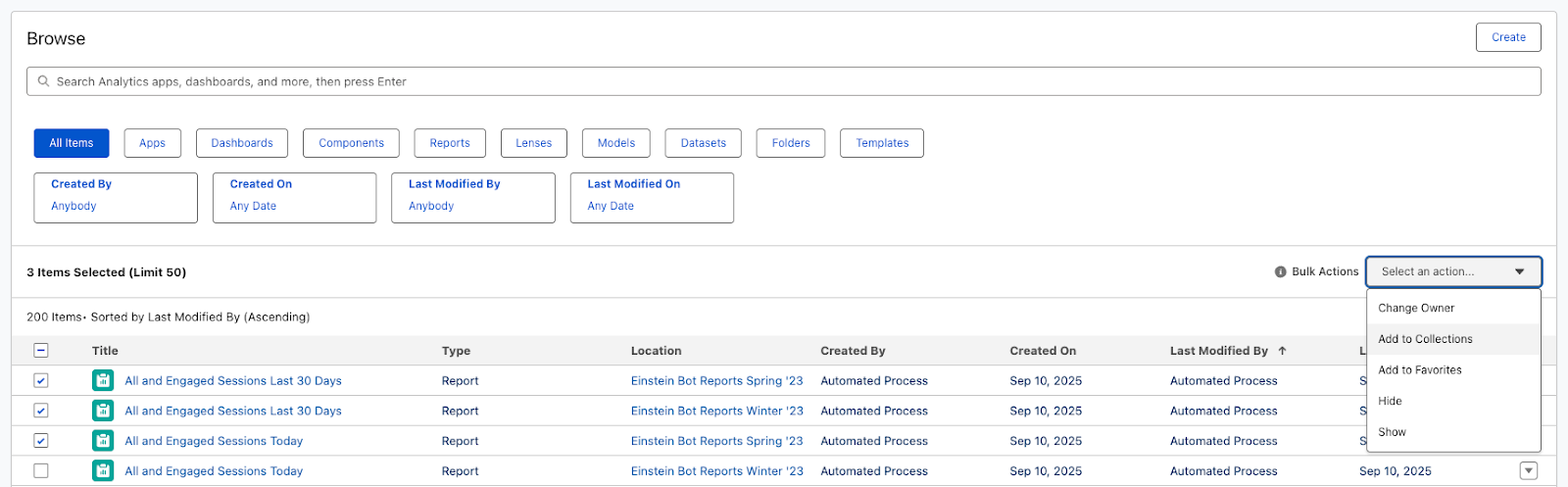
Repetitive manual tasks are not just time-consuming; they increase the risk of human error. The Spring ’26 release addresses this with new Bulk Actions for CRM Analytics assets. Whether you are managing dashboards, lenses or datasets, these bulk actions allow us to manage multiple assets efficiently. This update is a huge win for admins who want to minimise risk while keeping their analytics environment organised.
4. Smarter Insights with Tableau Agent Narratives
Making data accessible to every user is a core mission at Nebula. The new Dashboard Narratives with Tableau Agent make data discovery much easier through AI-powered explanations. Instead of a user having to interpret complex charts manually, Tableau Agent delivers a concise overview to help them quickly gauge the dashboard’s relevance to their specific business questions. It’s a game-changer for driving adoption across technical and non-technical teams alike.
5. Granular Performance Tracking with Multi-Touch Attribution
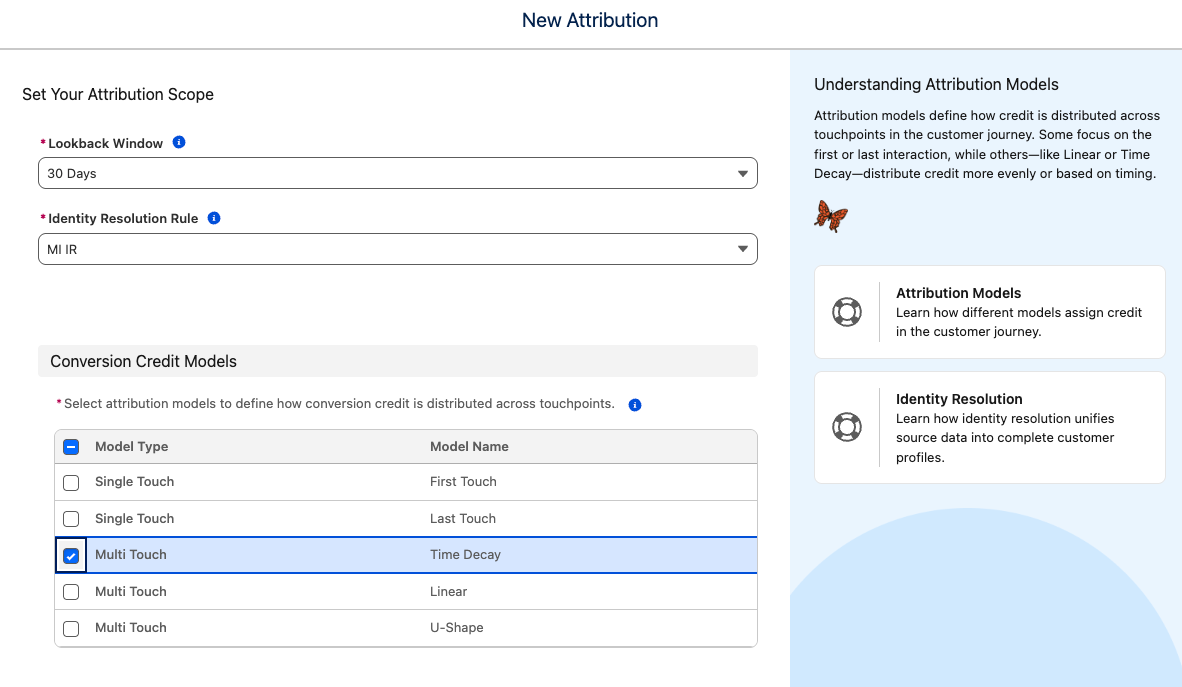
For our clients in Marketing, the ability to pin down exactly what drives a conversion is vital. We are excited to try the new functionality to run Multi-Touch Attribution (MTA) per Conversion Event in Marketing Intelligence. By configuring MTA for specific conversion events and their associated engagement signals, we can help you gain a much clearer picture of your ROI. This level of granularity ensures that your marketing spend is being allocated based on precise, real-world signals rather than broad estimates.
6. Lightning, Meet Tableau Next
The latest addition to the Lightning App Builder is Tableau Next Visualisations. Now all of your powerful visualisations can feature right at the beating heart of your org, giving your users the ‘need-to-know’ insights in the ‘need-them-most’ places! Alongside Tableau Next metrics, dashboards and more, the ability to leverage all of your first-party data – from within and outside Salesforce – your users have never been more empowered to make timely, data-led decisions that are both accurate and in the moment.
Ready to Take the Next Step?
Are these new analytics features making you reconsider your data strategy? Whether you’re curious about how Data 360 SQL could speed up your reporting or you want to see a demo of Q&A Calibration in action, we’re here to help. Get in touch and let’s chat about how we can help you realise the full power of the Salesforce platform.